Check and control your Lineage 2 window from a phone
Your PC is at home with the game running, and you are somewhere else. This guide shows how to open the live picture of your Lineage 2 window on a phone, move the character, press the keys and type in the game chat. No port forwarding and nothing to install on the phone.
How it works
L2Pilot is a Windows program on the PC with the game, plus an app that runs in the phone's browser at app.l2pilot.com. The PC sends the picture of the Lineage 2 window. The phone shows it and sends back what you press. Only that one window is shared, not your desktop.
The picture runs at up to 60 frames per second. If the game itself draws fewer frames, for example when it is minimised, the app tells you so. Then you know the limit is the game and not the connection.
Set it up
1On the PC
Install L2Pilot, log in, and pick the Lineage 2 window from the list. The game can stay in the background. The My PC screen shows whether sharing is ready and what to fix if it isn't.
2Add your phone
Scan the QR code shown by the PC program, or open app.l2pilot.com on the phone and log in. On Android choose “Add to Home screen” in Chrome. On an iPhone use Share → “Add to Home Screen” in Safari. After that it opens like any other app.
3Open the session
Tap your card and connect. Hold the phone upright to watch. Turn it to landscape to take the keys.
What you can do from the phone
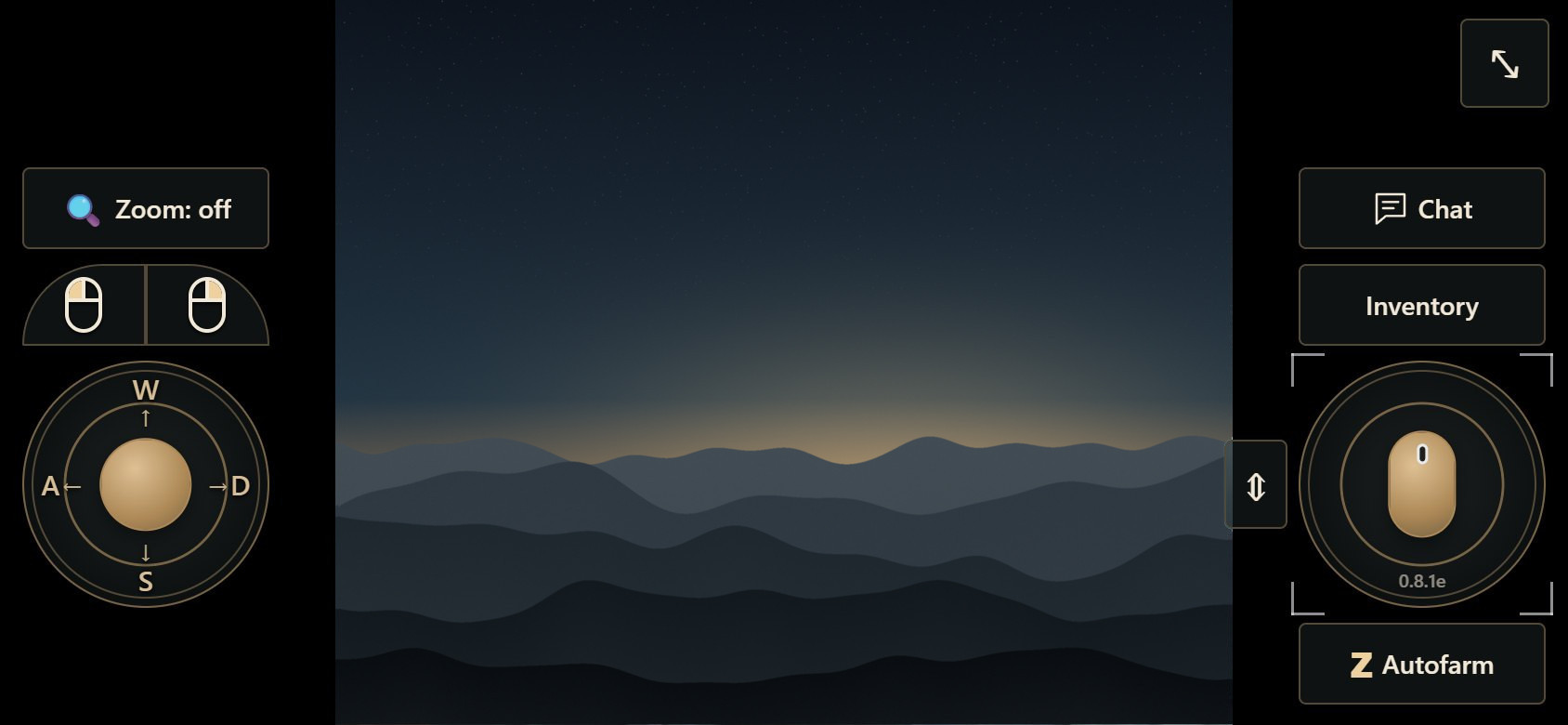
- Move. A WASD joystick sits on top of the picture.
- Press keys. Tab, Z and the other keys float over the game. Z toggles the game's own autofarm, and the button shows whether it is on.
- Click and look around. Click, zoom and camera modes, with your ping in view.
- Chat. A sheet above the phone keyboard has the game's channel tabs. Enter sends and the sheet stays open, so you can answer a PM properly.
- Reconnect. If the network drops, the phone tries again by itself (up to 3 times within 2 minutes).
On a laptop you get the same session with a full keyboard: Tab, Esc, F1–F4, WASD and a camera speed slider.
Who else can get in
Nobody, unless you say so. To let a friend in, you give them a 👍 in the PC program. That thumb is how you give trust in L2Pilot. Then you choose a deadline: 1 hour, 12 hours, 24 hours, until morning or no deadline. You revoke it with one click, on the PC only. The prompt lists what the person will see, and it is a lot: your whole game window, including items, adena and private chat. Give a 👍 to people you would hand the keyboard to.
Ctrl+Alt+F10 on the PC disconnects everyone immediately.
What it won't do
- It is not a mobile version of Lineage 2. The game still runs on your PC, and the PC must stay on.
- It doesn't play for you. Every key press comes from a person holding the phone.
- It doesn't share the rest of your computer. Only the game window you picked.
Before you start: your server's rules
L2Pilot works with the Lineage 2 game window on Windows 10/11. Every server sets its own rules about remote access and shared accounts, and we don't promise that yours allows this use. Check the rules first.
Try it
Helping and watching is free: create an account (no e-mail needed) and open the app on your phone. The PC that shares its game needs the Windows program and an active licence: download L2Pilot 1.0.18 for Windows.